Is there a joining fee or an annual fee?
HILLS APP / HILLS CARD Mastercard (can also be used as a credit card): No admission fee or annual fee
Are there any fees other than the membership fee and annual fee for using HILLS APP?
Members are responsible for communication costs (packet charges) associated with downloading and using HILLS APP. Communication costs vary depending on the telecommunications company and contract plan you use, so please contact your contract company for details.
Please tell me the procedure for applying for membership.
How to join HILLS APP:
HILLS APP >How to apply for HILLS CARD Mastercard:
You can apply for membership online on our website.
Membership Information >
Is there an expiration date for HILLS CARD Mastercard or membership?
For HILLS APP:
If there is no use for 48 months from the month of the last point registration (however, if you have not registered any points since registering as a member, the month of registration will be used), your membership will be forfeited at the end of the corresponding month.
For HILLS CARD Mastercard:
Since it is a credit card, there is an expiration date on the card, but we will send you a replacement card with a new expiration date when the expiration date arrives. However, if you have not used your credit card for payments for a certain period of time, we may not be able to send you a replacement card with a new expiration date when the expiration date arrives.
If you have not used your HILLS CARD Mastercard for 48 months from the month of your last point registration (however, if you have not registered any points since registering, the month of registration will be considered), your membership will be terminated at the end of the corresponding month. In this case, only the credit card function will remain valid until the month and year printed on the card.
What should I do if my address, phone number or other information has changed, or if my last name has changed due to marriage or other reasons?
For HILLS APP:
If you tap your name on the menu screen of HILLS APP, the "Confirm/Change HILLS CARD Confirmation/Change Member Information" screen will appear, allowing you to make changes yourself.
For HILLS CARD Mastercard:
Please contact
HILLS CARD Mastercard Desk (0120-156-290 / 9:30-17:30, excluding Sundays and the New Year holidays *Lost or stolen card reports accepted 24 hours a day) to complete the procedure.
Please note that we may ask you to provide your personal information to verify your identity when you make an inquiry.
Can someone besides myself change my registered member information?
As this data is personal information, only members are allowed to change their own information.


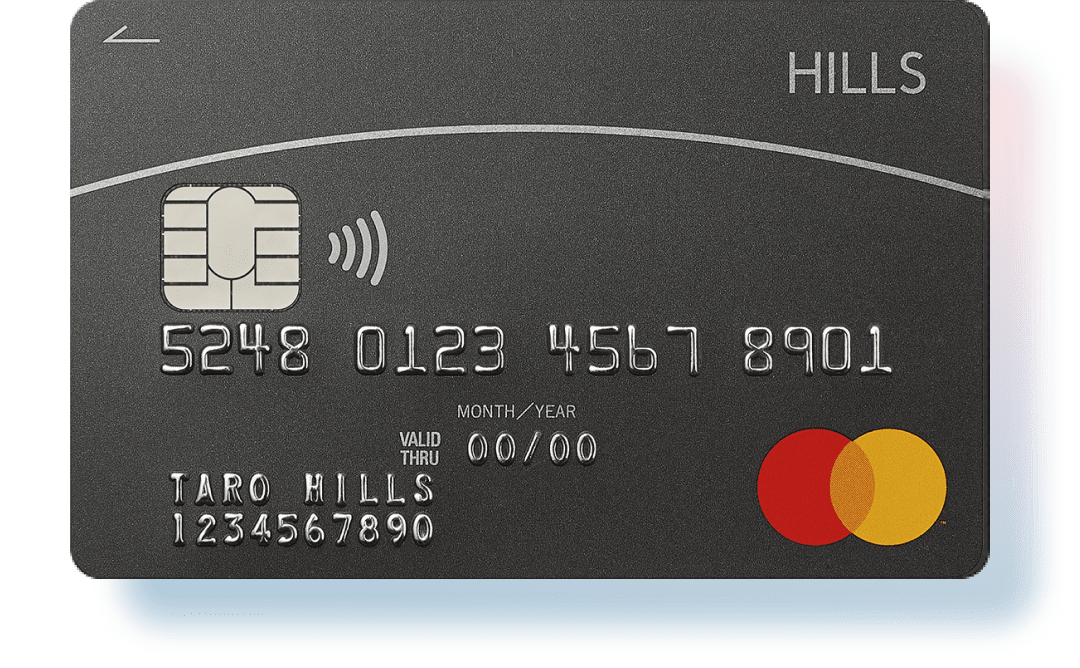


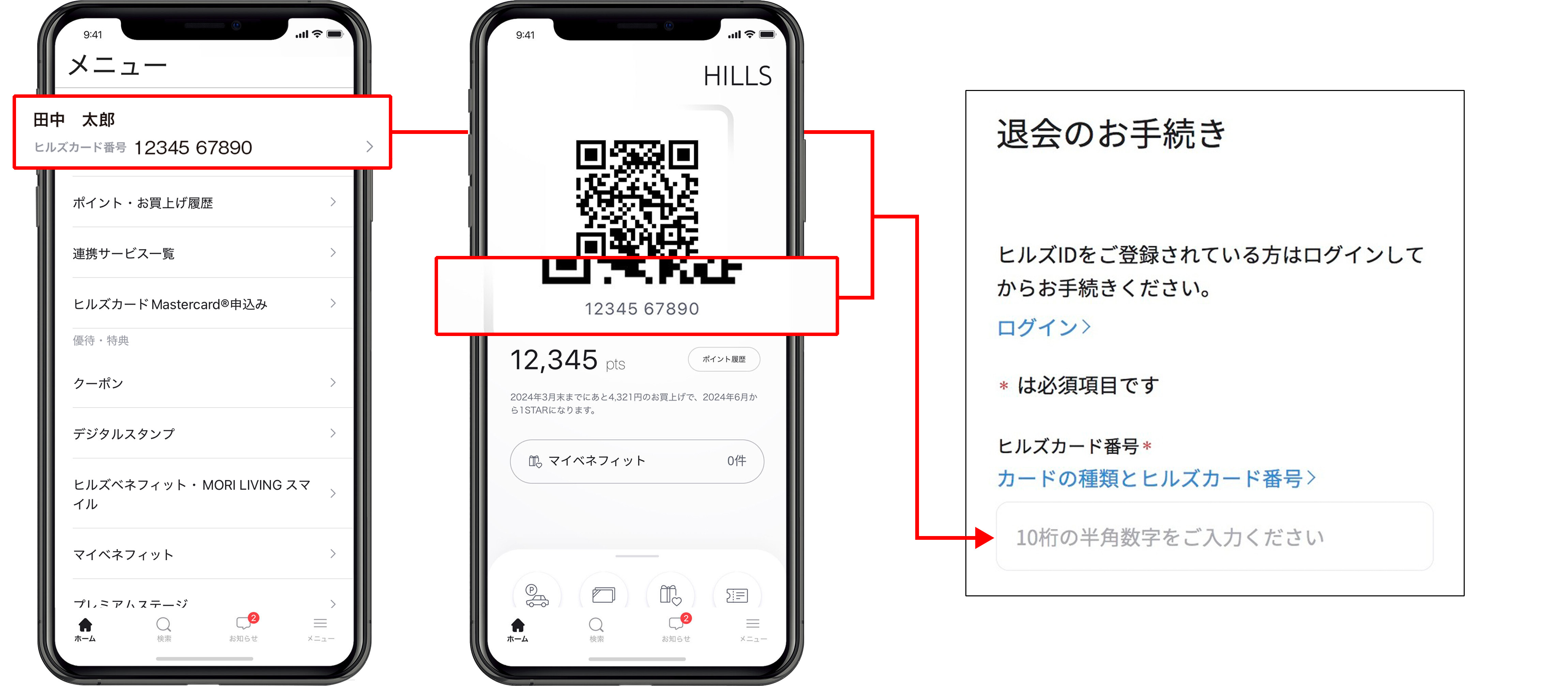
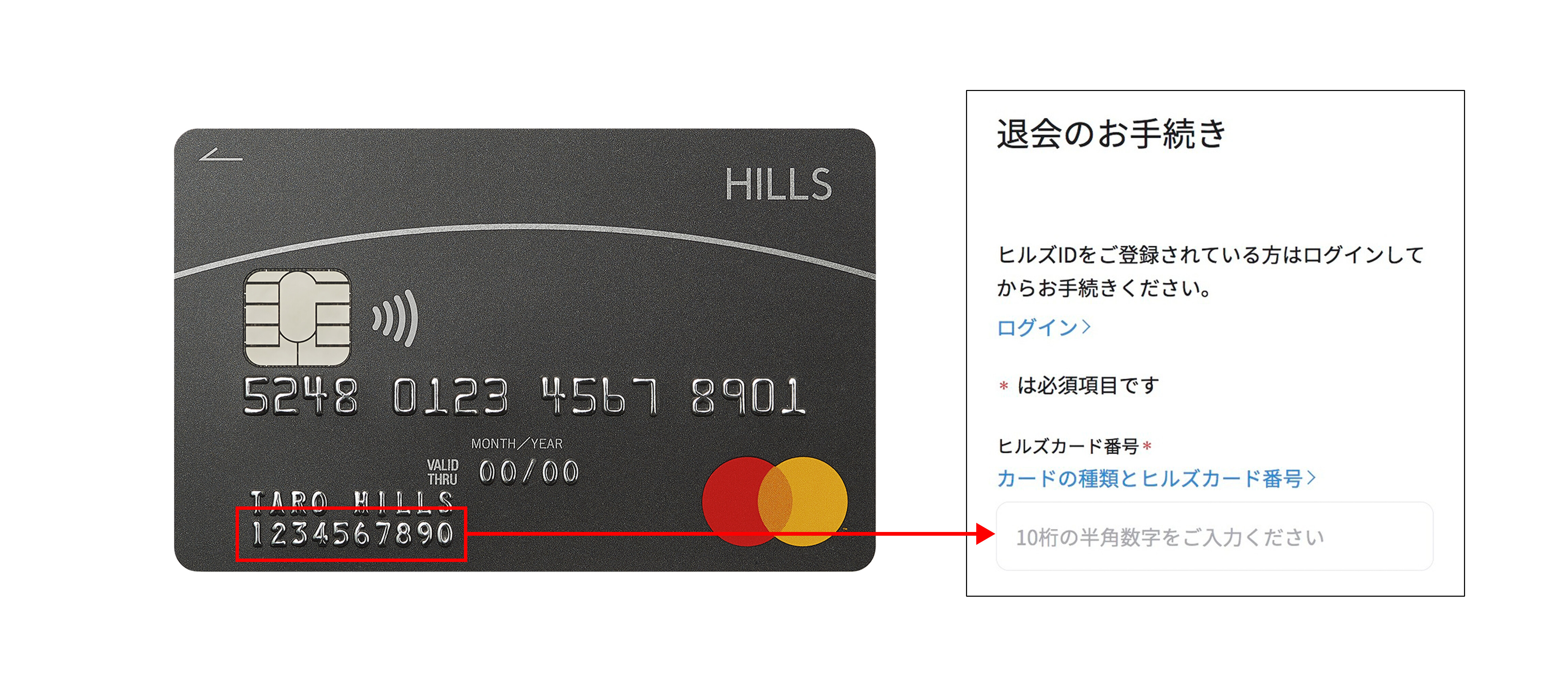 *This is not a 16-digit credit card number.